Features

Everything an architecture study needs,
in one workspace.

Broad enough to connect the disciplines, deliberate enough to keep the engineering model usable. From the first requirement to the evidence you hand over.

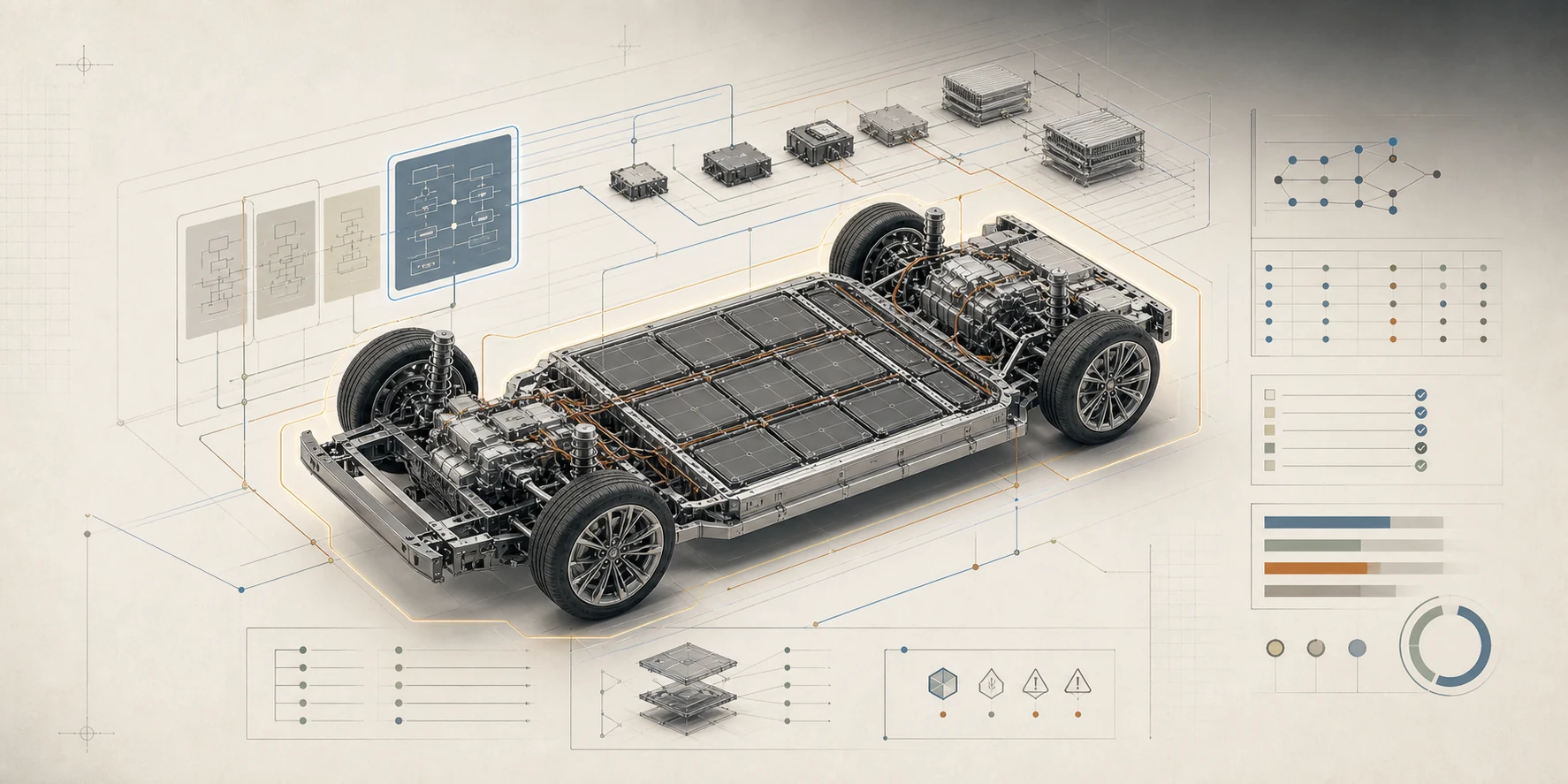
Logical function diagrams linked above an electric vehicle chassis, with ECUs, wiring and a communication matrix.

01 Model

Model

One connected model, from requirement to wire.

Capture requirements, functions and interfaces first, then realise them on ECUs, connectors, wires and networks. Every allocation and every realised interface stays linked to the intent it serves.

  • Requirements with trace links and coverage
  • Logical components, ports and the items they convey
  • Physical topology across electrical, data, hydraulic and cooling domains
  • CAN, LIN, FlexRay and Ethernet networks with signals and frames
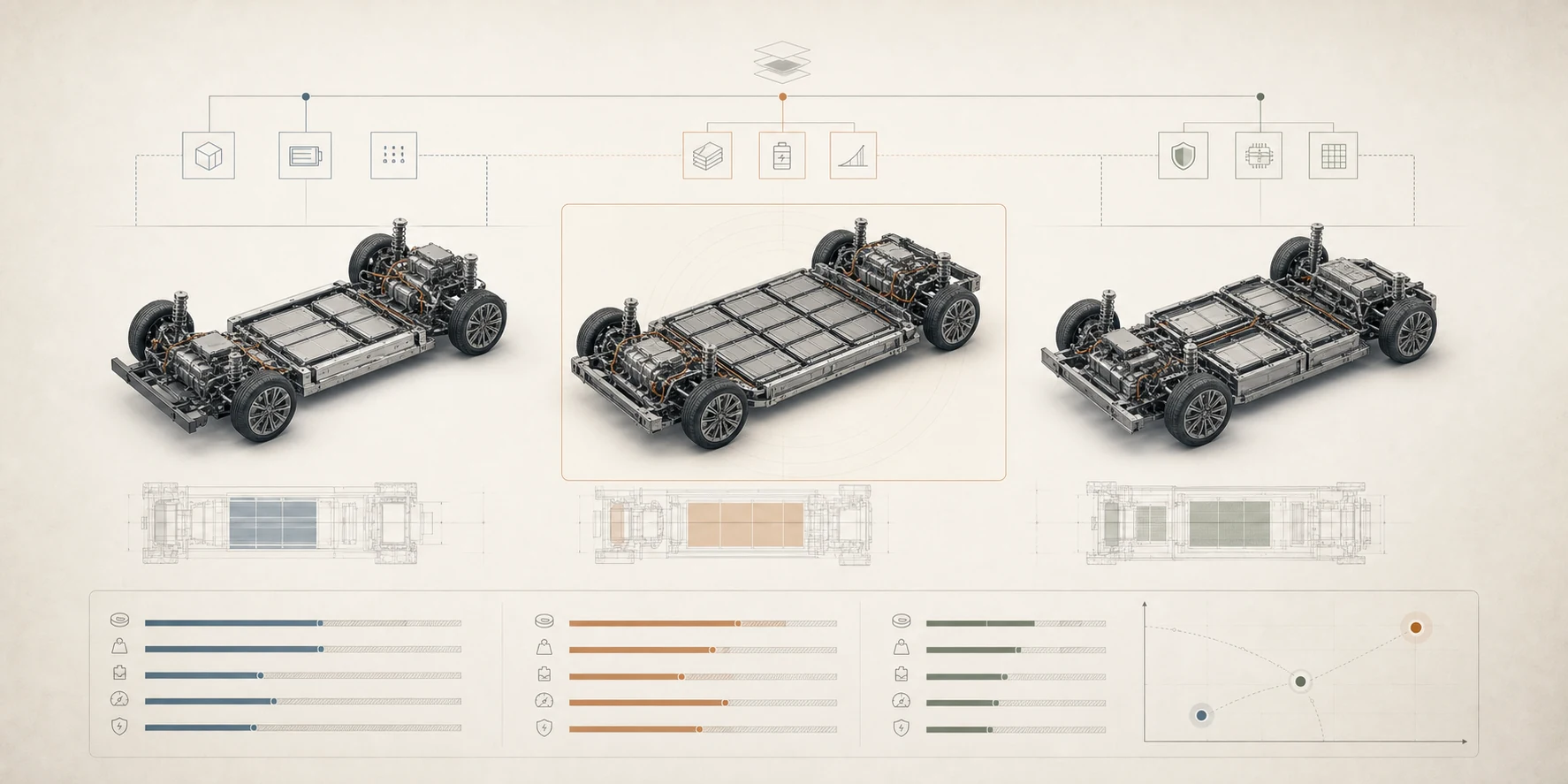
Three candidate vehicle platforms compared side by side on cost, mass, utilisation and resilience, with a trade-off frontier.

02 Decide

Decide

Compare candidate architectures before they become rework.

A constraint solver proposes allocations and routes against the capacities, costs and limits already in your model. You review every proposal before it is applied, and every limit reports what the proposal attained against it.

  • Component-to-node allocation and network routing proposals
  • Attainable bounds, resilience checks and Pareto trade-offs
  • Per-direction bus load and resource headroom
  • An explanation when constraints cannot all be met
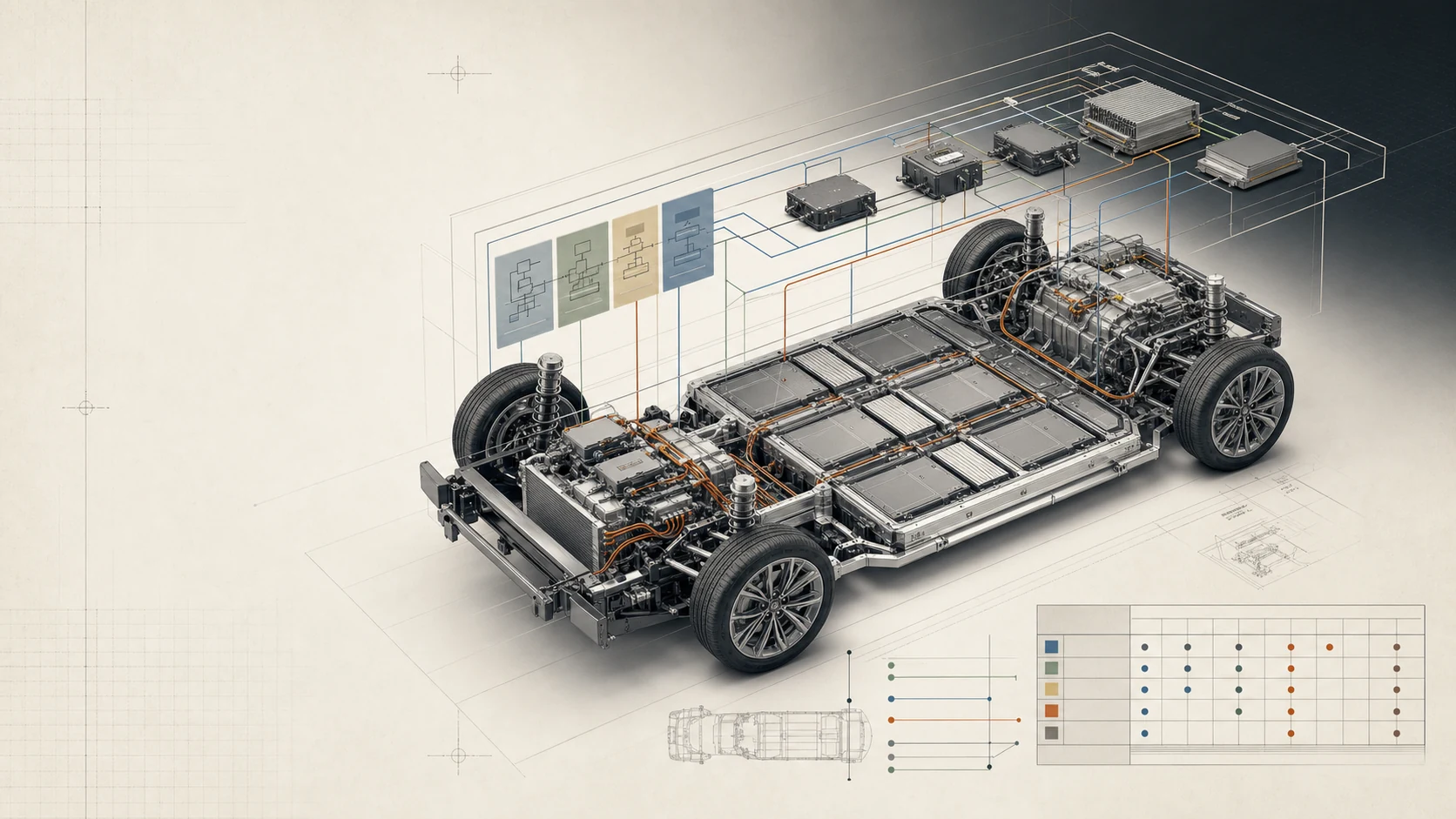
The selected vehicle platform surrounded by verification findings, trace coverage and bill-of-materials evidence.

03 Defend

Defend

Hand off evidence that holds up in review.

Verification findings, trace coverage, revision history and the engineering BOM stay attached to the decision. Publish through open standards and documents, with a receipt of what was exchanged.

  • Model checks and verification findings in context
  • Field-level revision history and project baselines
  • An engineering BOM derived from the physical topology
  • SysML v2, ReqIF, Excel, HTML and Word

04 Capabilities

The disciplines of an architecture study,
connected.

Each capability reads and writes the same model, so a change in one place is visible everywhere it matters.

Logical architecture at vehicle scale

Components, ports, interfaces and reusable definitions in a SysML v2-aligned metamodel. Views, detail levels and a table editor keep designs with hundreds of blocks workable.

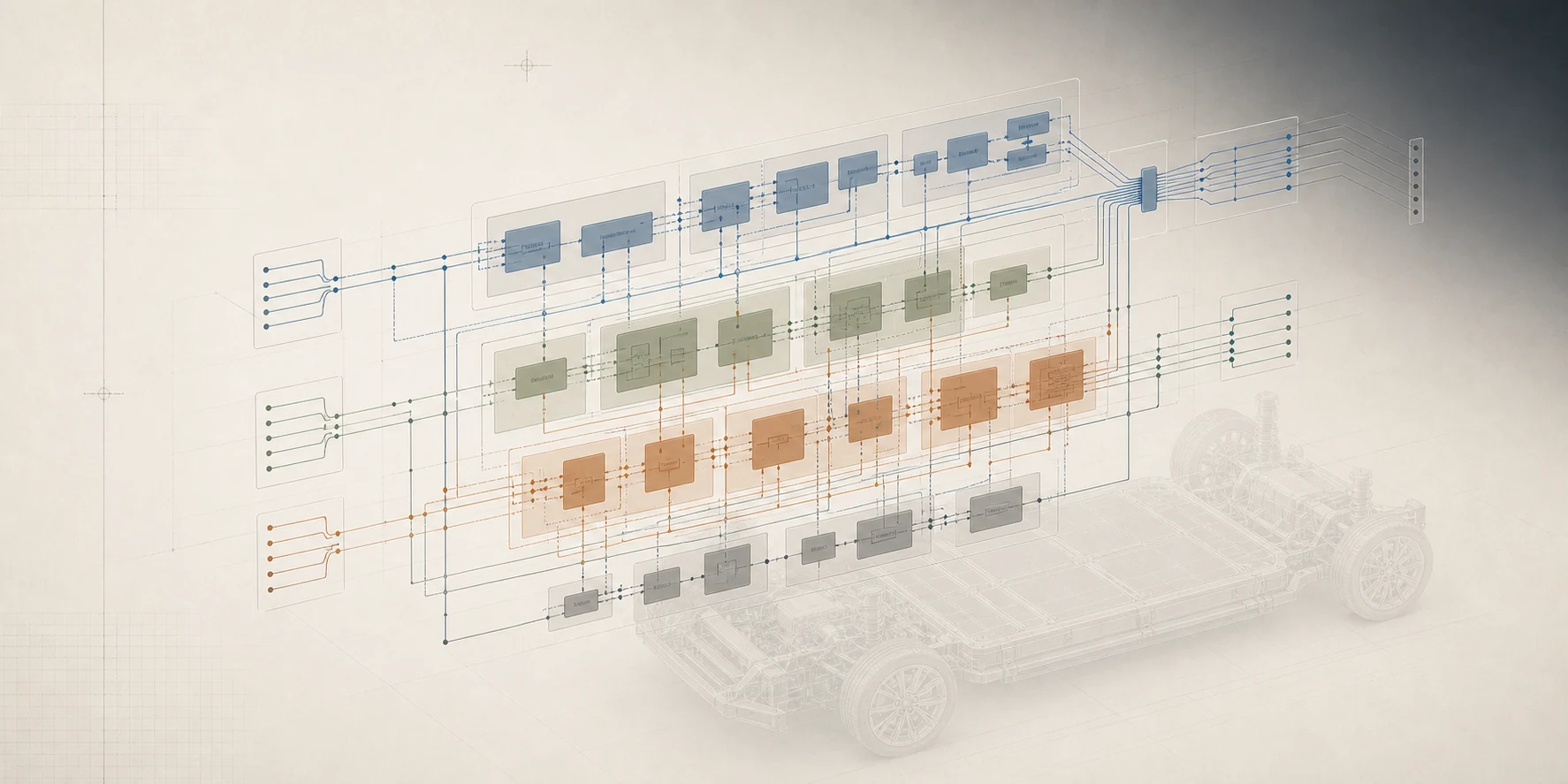
Layered logical architecture with colour-coded function groups and interface flows above a vehicle platform.

Requirements, verification & traceability

Requirement sheets, trace links, suspect flags when a linked element changes, and model checks you can write yourself.

Physical topology

Nodes, connectors and wires across electrical, data, hydraulic and cooling media, with a calibrated drawing scale for real wire lengths.

Networks, signals & bus load

Signals, codings, frames and per-direction bus load, with the caveats shown whenever an input could not be resolved.

Trade studies & constraint solver

Allocation, routing, bounds, resilience and Pareto sweeps. Proposals are reviewed and applied by you, never silently.

Engineering BOM

A hardware BOM that follows the physical topology, with software allocation in context and an Excel workbook for sourcing.

History, baselines & working sets

Every change recorded with who, what and when. Baselines to return to, and working sets to explore a variant apart and bring it back.

Exchange and reports, with a review step

Imports open a preview first and outputs run a preflight. Every exchange leaves a receipt of what was sent, received and warned about.

  • SysML v2
  • ReqIF
  • Excel workbook
  • HTML & Word reports
  • Project bundle (.orcp)
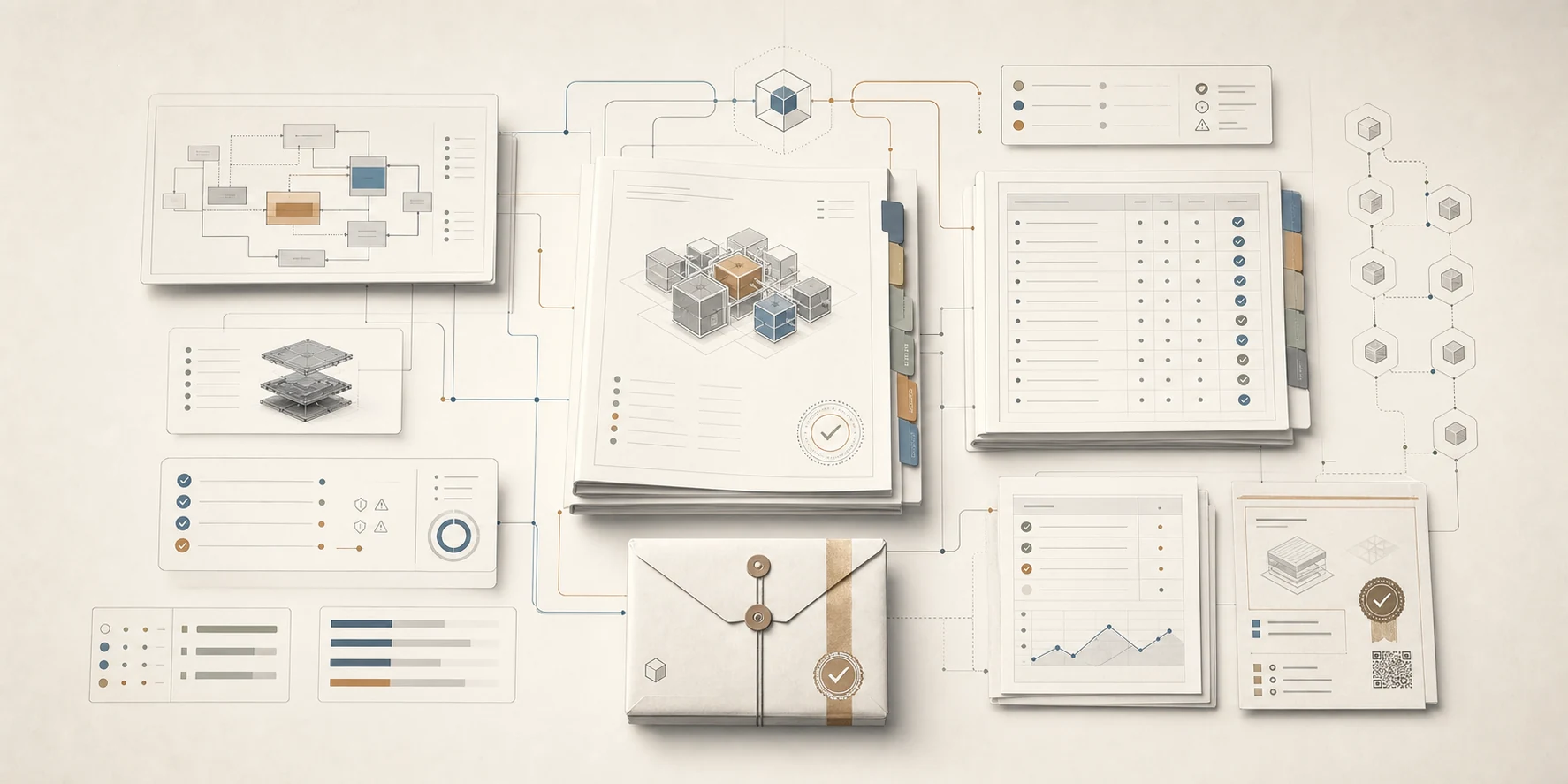
Engineering reports, tables and exchange packages linked back to their source model.

05 AI copilot & agent API

AI that works through your model,
not around it.

The copilot reads and edits the model with your permissions, cites the elements it used, and records every change it makes. It uses your own AI provider key, and the provider bills you directly.

  • Modes are enforced by which tools are offered: in Ask, no write tool exists
  • Plan and Build show the change set before anything is applied
  • Build captures a project baseline before its first write
  • Your own agents connect over MCP with a personal access token and pass the same permission, quota and validation checks as the application
  1. Ask

    Answers drawn from the model, with links to the elements behind them.

  2. Plan

    A reviewable change set you inspect before anything is written.

  3. Build

    Applies the plan after capturing a project baseline you can restore.

  4. Your own agent

    Drive the same tools over MCP with a personal access token.

06 Exchange formats

Work with the toolchains
you already have.

D3rive complements established engineering tools. It exchanges through open standards, SysML v2 and ReqIF, plus workbooks, reports and its own project bundle, and it keeps a receipt of every exchange.

Exchange formats in the current release
FormatWhat it carriesDirection
SysML v2Definitions, parts, ports, connections and interfaces in textual notationImport and export
ReqIFRequirements and their attributes, for requirements-management toolsImport and export
Excel workbookBOM, requirement, allocation and network tablesExport
HTML & Word reportA composed stakeholder report with diagrams, tables and your commentaryExport
Project bundle (.orcp)The whole model as human-readable text, for backup, cloning and hand-offImport and export

Trial and Pro exports carry a watermark notice; nothing is removed and every file still opens in the receiving tool. Import and export are included in every edition.

07 Industries

Built for the engineers
who own the architecture.

System architects, E/E architects, MBSE practitioners and network & integration engineers.

  • Automotive

    E/E platforms, ECUs, networks, variants

  • Aerospace & defence

    Avionics interfaces, mission systems

  • Heavy machinery

    Distributed control, hydraulics, electrification

  • Medical devices

    Connected devices, traceable requirements

  • Marine & naval

    Power, data and fluid networks

  • Industrial systems

    Automation, robotics, product lines

Industry examples describe modelling contexts, not certification or regulatory-compliance claims.

Try it on your next
architecture question.

Free for 14 days on Windows 10 and 11. No payment details, and your models stay on your machine.